frammme

Turn raw app screenshots intoApp Store‑ready setsIn 10 minutes.

Drop in a 60-second brief and screenshots of your app. Get back publish-ready App Store Screenshots you can tweak, with copy that earns the tap.

Exact App Store sizes1 credit = 1 full setEdits don’t cost credits

The Receipts

We could show you mock-ups all day.
Instead, here's a real one.

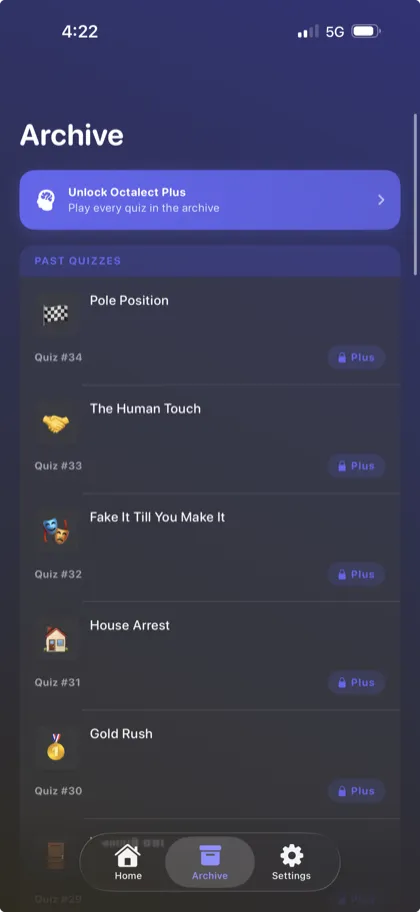
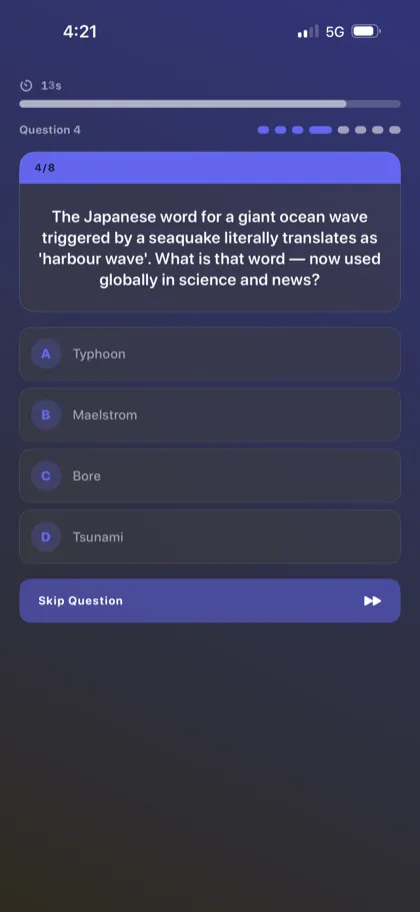
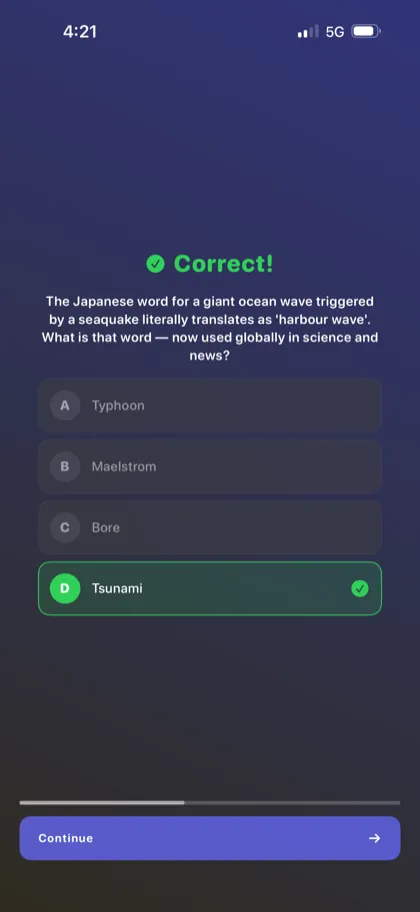
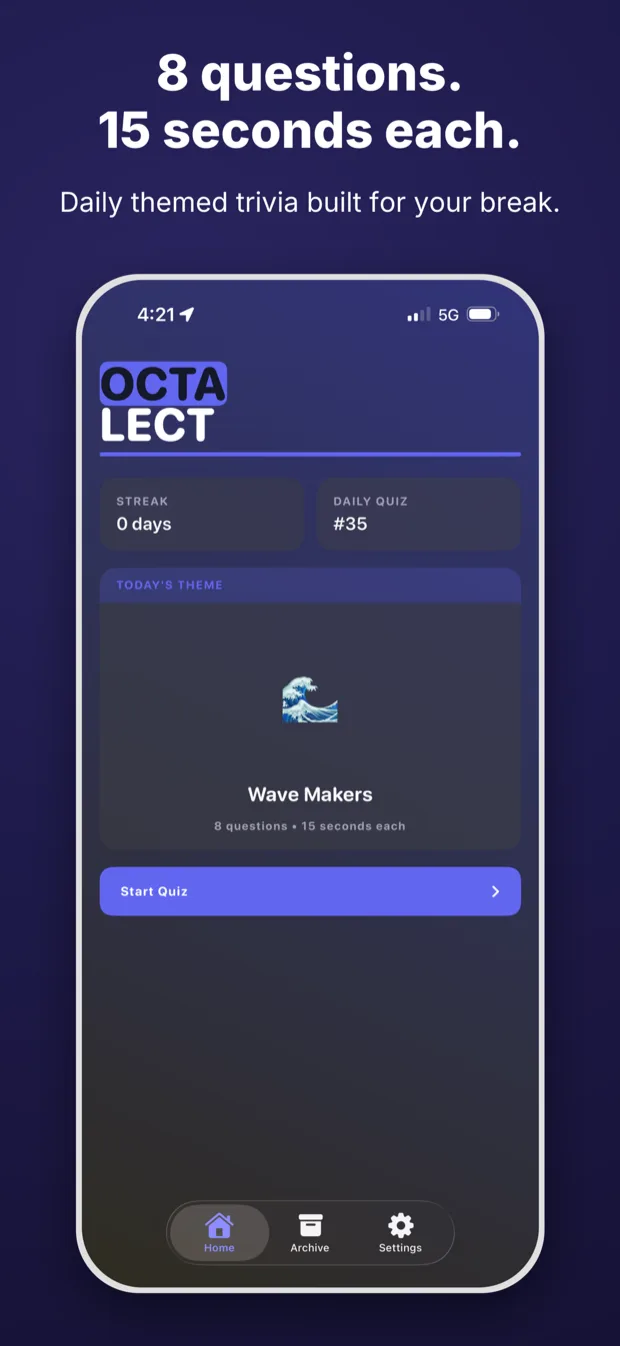
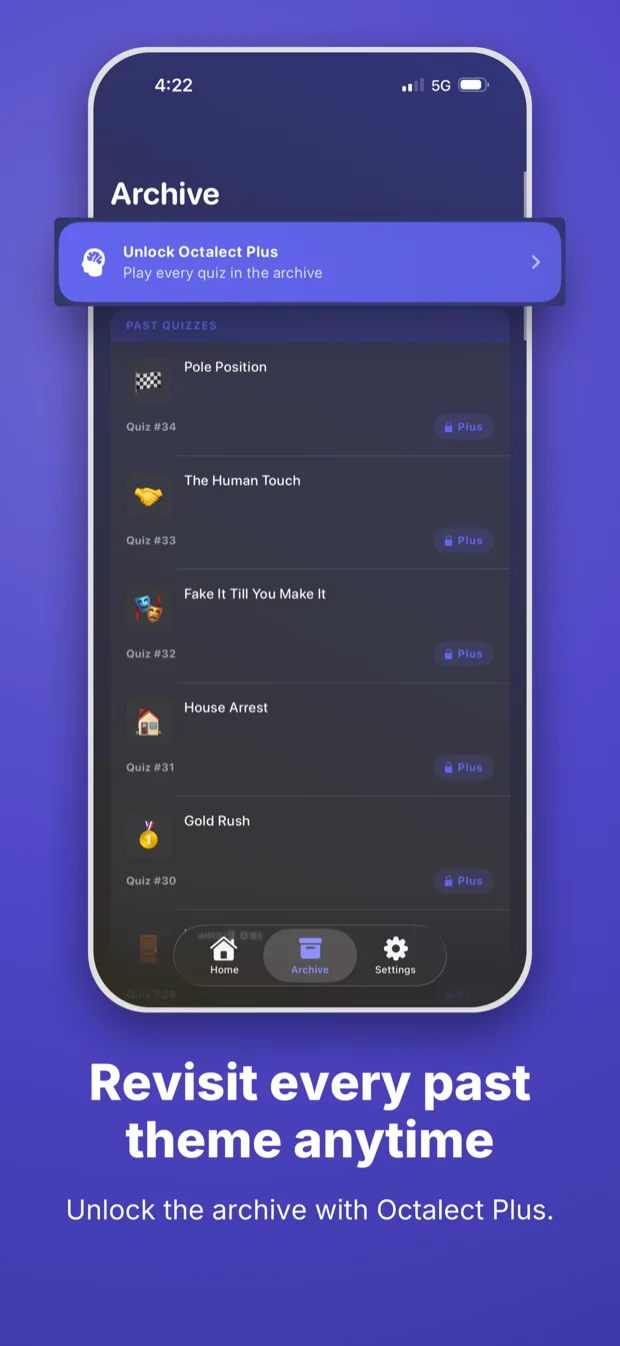
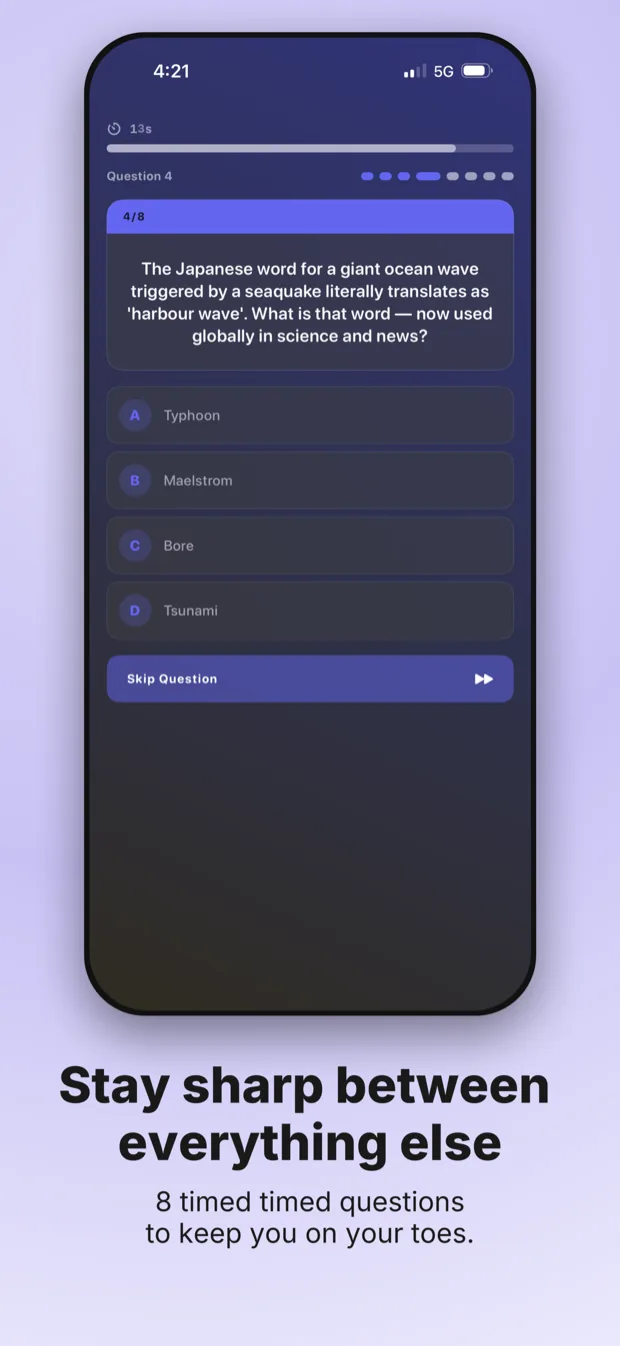
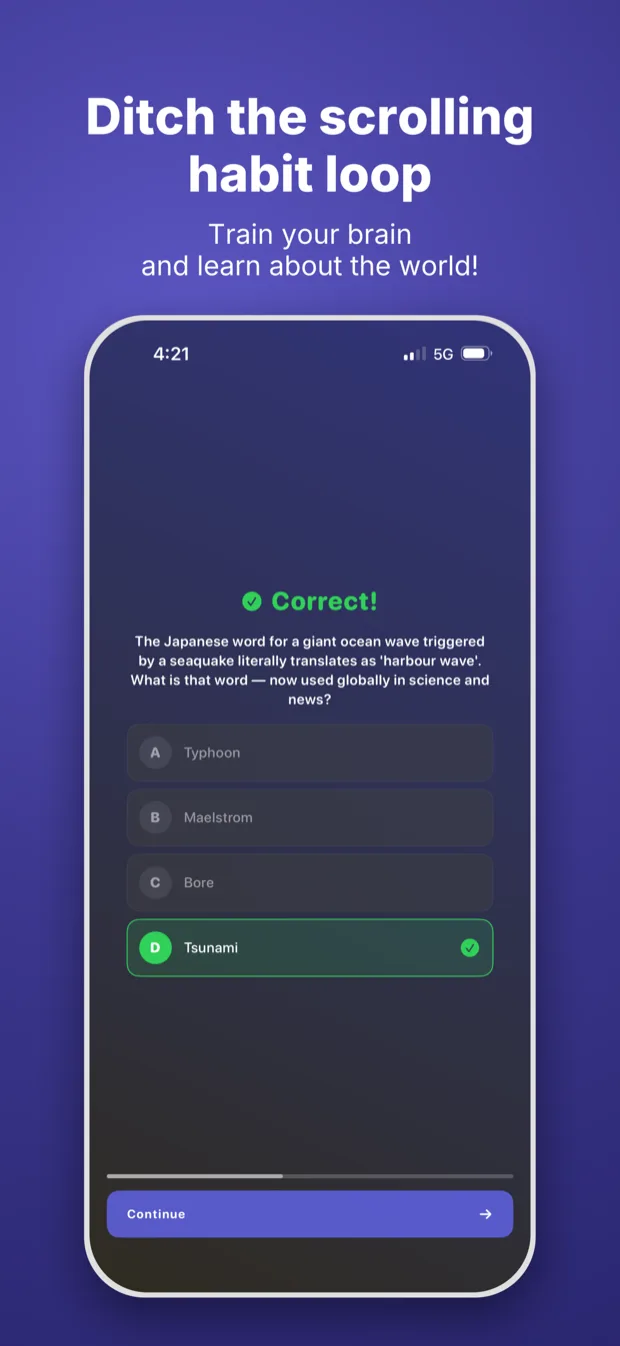
These are four raw screenshots from our game, Octalect. Below is the publish-ready set framm.me built from them; ready for App Store Connect. All in less than 10 minutes.

Uploaded · Raw Screenshots
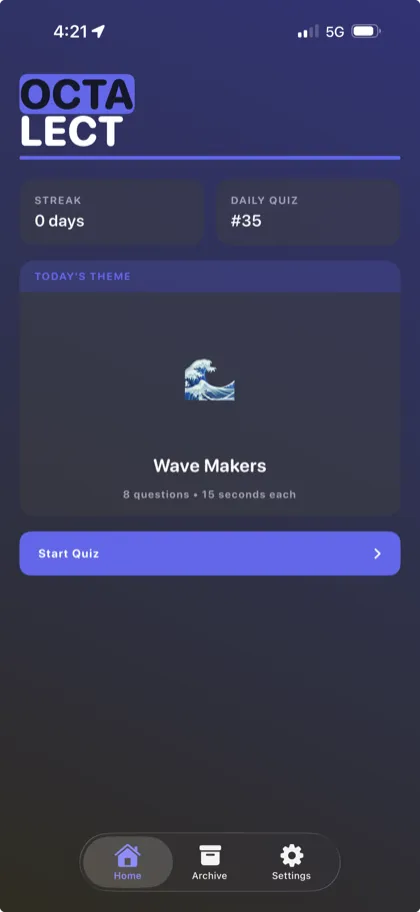
Raw octalect screenshot 1, before framm.me
Raw octalect screenshot 2, before framm.me
Raw octalect screenshot 3, before framm.me
Raw octalect screenshot 4, before framm.me
framm.me

Downloaded · App Store Ready

framm.me-generated App Store screenshot 1 for octalect
framm.me-generated App Store screenshot 2 for octalect
framm.me-generated App Store screenshot 3 for octalect
framm.me-generated App Store screenshot 4 for octalect

How It Works

Brief it. Generate it. Ship it.
The App Store doesn't know what hit it.

Tell framm.me what your app does, upload your screenshots, and get a generated set you can tweak and ship in minutes.

app name

octalect

one-liner

+
01

Brief + Upload

One-line pitch, description, app icon, screenshots. Sixty seconds, tops. We figure out the story from there.

Generating…

3 / 8

headlinelayoutexport
02

We Generate

Benefit-led headlines, layouts that match your app, exported in every iPhone size the App Store asks for.

editor · octalect

Download
Quiz night.
8 categories.
Play now.
6.9"6.5"100%
03

Tweak + Ship

Inline edits never burn a credit. Move things, swap copy, download and upload to App Store Connect.

FAQ

Quick answers.

A lot. The built-in editor lets you rewrite headlines, reposition elements, swap individual screens, and re-render — without spending another credit on inline edits.
Tweak the brief or tone and regenerate (1 credit), or stay in the editor and adjust the existing set for free. Inline edits and re-renders after edits never burn a credit — only a fresh generation does.
You get the credit back automatically. If the pipeline can't finish a set, the project is marked failed and 1 credit is refunded to your balance — no support ticket needed.
One credit produces one screenshot per raw screen you upload. Upload 6 screens, get a 6-shot set; upload 10 (Apple's max), get a 10-shot set.
Every set exports at the two iPhone sizes App Store Connect currently requires — 6.9" (1260×2736) and 6.5" (1284×2778) — ready to upload with no resizing.
Not today. framm.me is iPhone-only right now so we can nail the iOS App Store experience first. iPad and Android are on the roadmap.
Yes. Sets are rendered to App Store Connect's exact pixel specs and use clean device frames that comply with Apple's screenshot guidelines.
No. You write a 60-second brief, upload your raw screen captures, and framm.me handles layout, copy, and composition. The editor is there if you want it, not because you need it.
Never. Buy a pack, use it across launches, relaunches, and side projects. There is no subscription.

Pricing

Pay per launch. Not per month.

Starter
$12

/ 5 credits

  • 5 full screenshot sets
  • Every required App Store size
  • $2.40 per set
Studio
$30

/ 15 credits

  • 15 full screenshot sets
  • Every required App Store size
  • $2.00 per set
VaultBest Deal
$70

/ 40 credits

  • 40 full screenshot sets
  • Every required App Store size
  • $1.75 per set

Your app deserves better screenshots.

Upload your screenshots and get a great looking, App Store ready set of screenshots in under 10 minutes.